195+ Principles to Validate Any Design
195 principles organized by topic and difficulty. Each one includes citations, product examples, and AI prompts ready to paste into Cursor, V0, or Claude.
Good design is not based on instinct. It is based on how people actually process information: what they notice, what they ignore, and why they leave.
These 195 principles cover the patterns behind those decisions. Browse by part, filter by difficulty, or search for a specific problem. Each one links to the research and includes AI prompts you can paste straight into your tool of choice.
Showing 1–12 of 23 principles
Free
Perceivable Principle (WCAG)
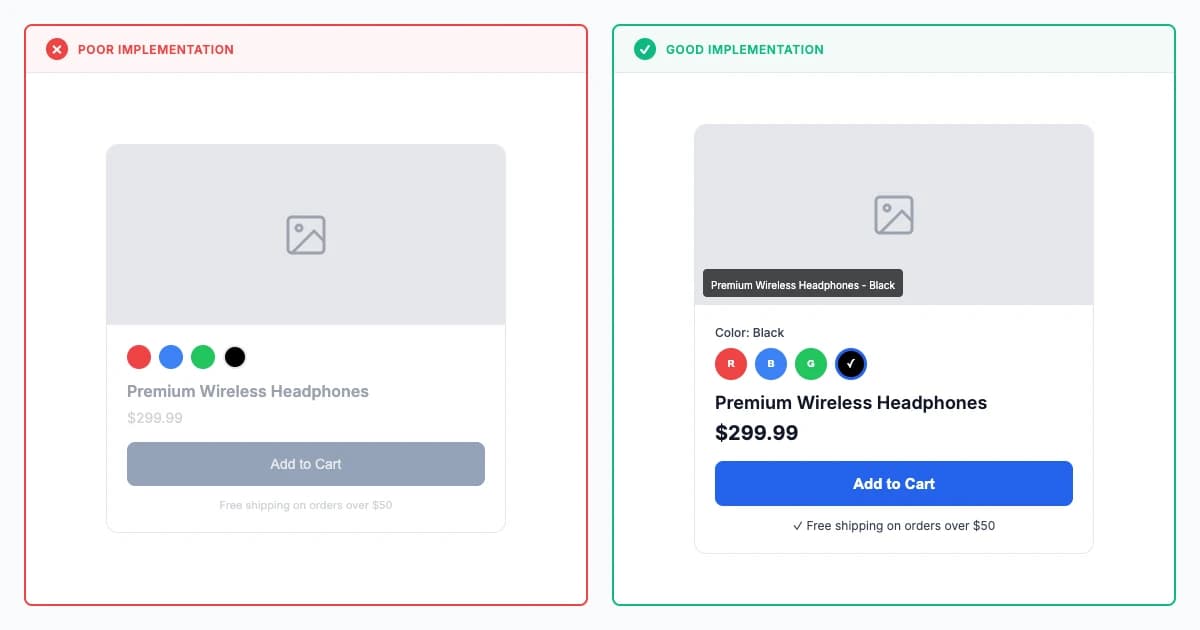
Perceivable principle (WCAG 2.2 2023) requires text alternatives, captions, adaptable content, and 4.5:1 contrast, achieving 60-80% better accessibility for blind users and 50-70% improved usability for low-vision users.
Fixes:Low Contrast
Explore principle

Free
Inclusive Wellbeing Principle
Inclusive wellbeing (Holmes 2018, WHO 2020) optimizes for physical, mental, emotional, and social health across diverse populations, proactively designing for stress reduction, social connection, and meaningful engagement beyond task completion.
Fixes:Low Contrast
Explore principle
Premium
Operable Principle (WCAG)
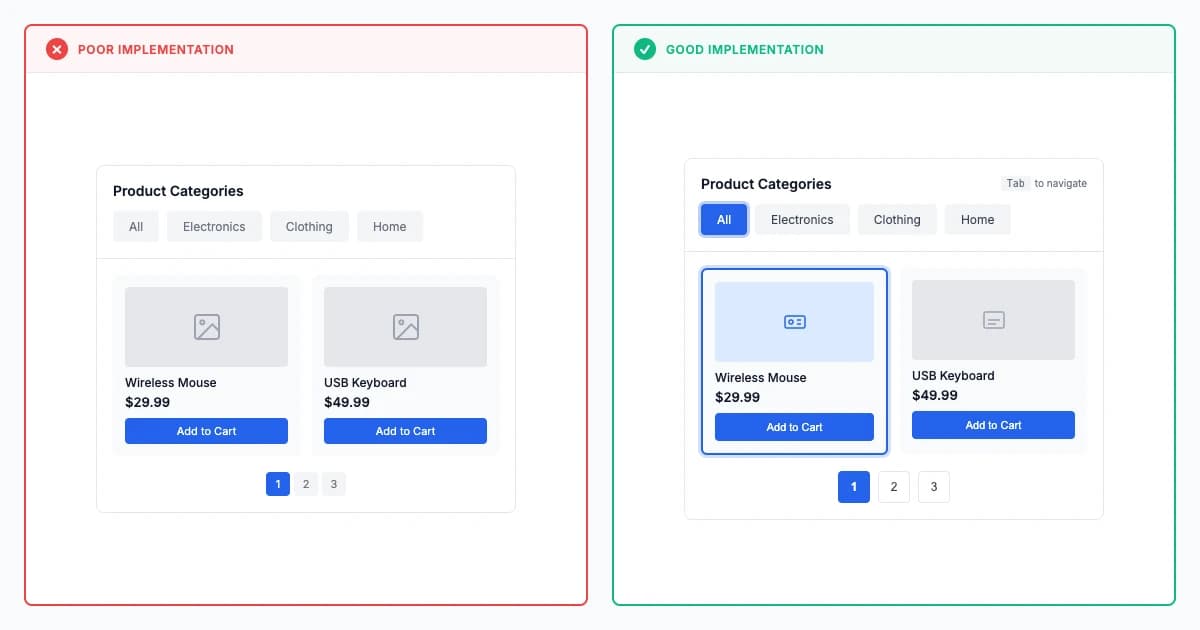
Operable principle (WCAG 2.2 2023) ensures keyboard accessibility, adequate timing, and 44×44px touch targets, achieving 70-90% better accessibility for 1.85 billion people with motor impairments through diverse input method support.
Explore principle
Get Full Access
195 research-backed principles
$59/year
- All principles with citations
- AI prompts for every principle
- Real-world examples
14-day money-back guarantee
Premium
Understandable Principle (WCAG)
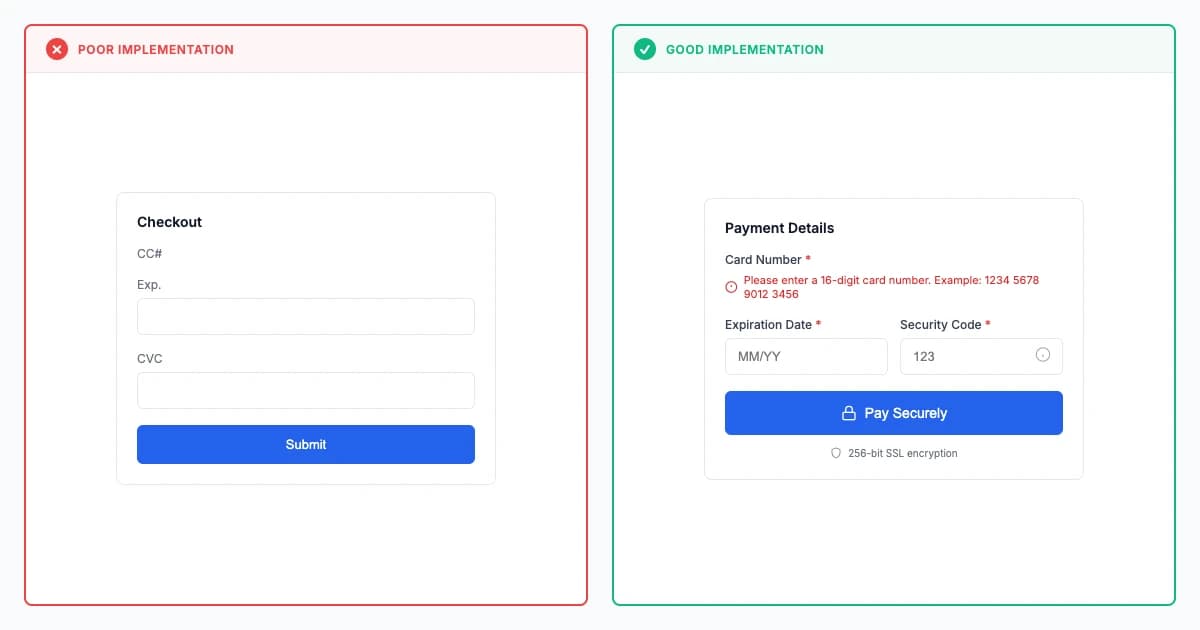
Understandable principle (WCAG 2.2 2023) requires plain language, predictable behavior, and error assistance, with 8th-grade reading level and consistent navigation improving comprehension for cognitive disabilities and diverse language backgrounds.
Explore principle
Premium
Cognitive and Learning Accessibility
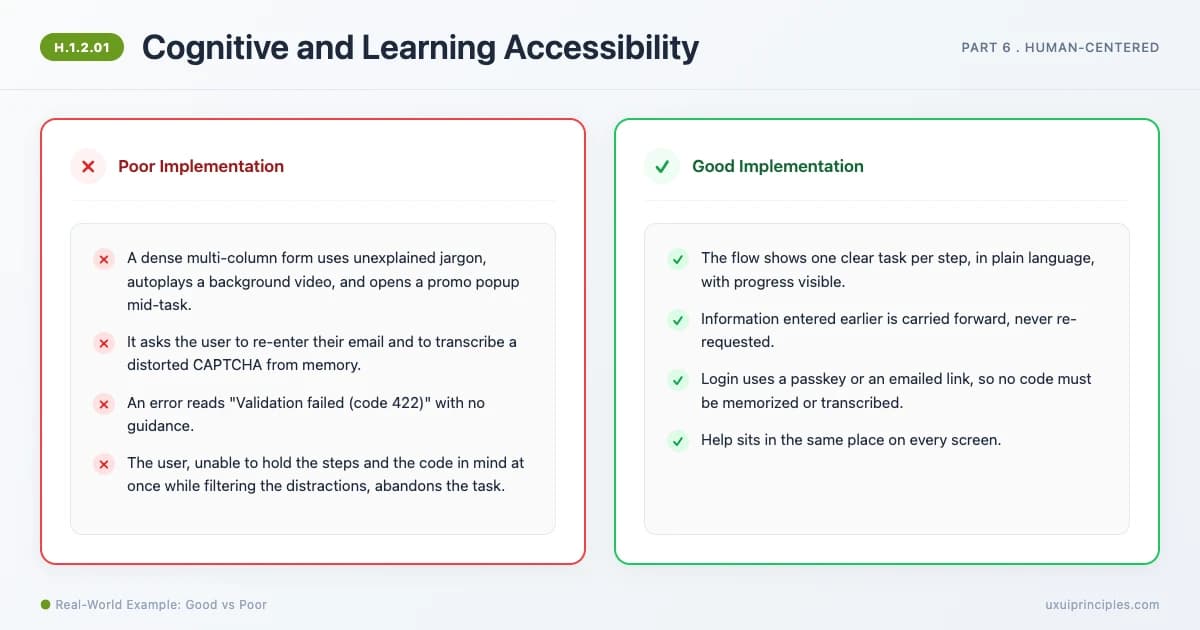
Cognitive and Learning Accessibility designs for memory, attention, language, and executive function, the disability group WCAG's POUR umbrellas under-serve. The W3C COGA eight objectives translate into practice: reduce load, use plain language, keep structure predictable, prevent and forgive errors, do not rely on memory. Cognitive disability is the most common disability among younger US adults (CDC), and WCAG 2.2 added the first criteria aimed at cognitive load.
Explore principle
Premium
Accessible by Default
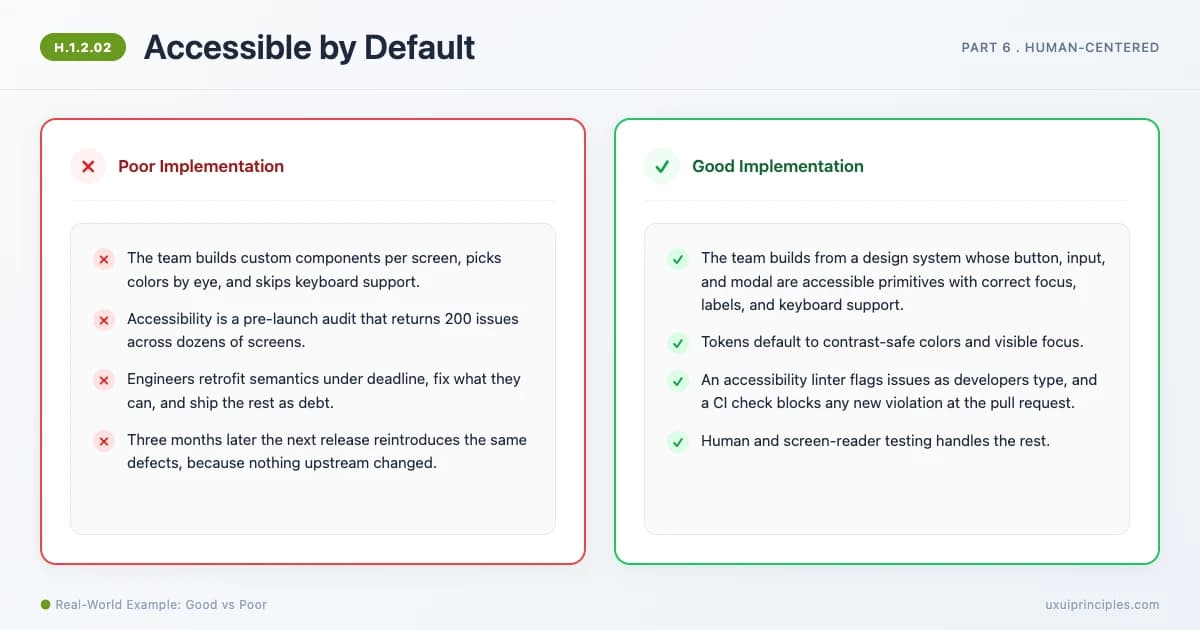
Accessible by Default builds accessibility into the system, tokens, components, linting, and CI, so every instance inherits it instead of being retrofitted by end-of-cycle audits. An accessible component built once makes every use accessible (write once, fix everywhere). Shifting left cuts remediation cost by about 75% and speeds fixes roughly 3x (Deque), because a defect costs far less in development than in production.
Explore principle
Premium
Motion and Sensory Sensitivity Design
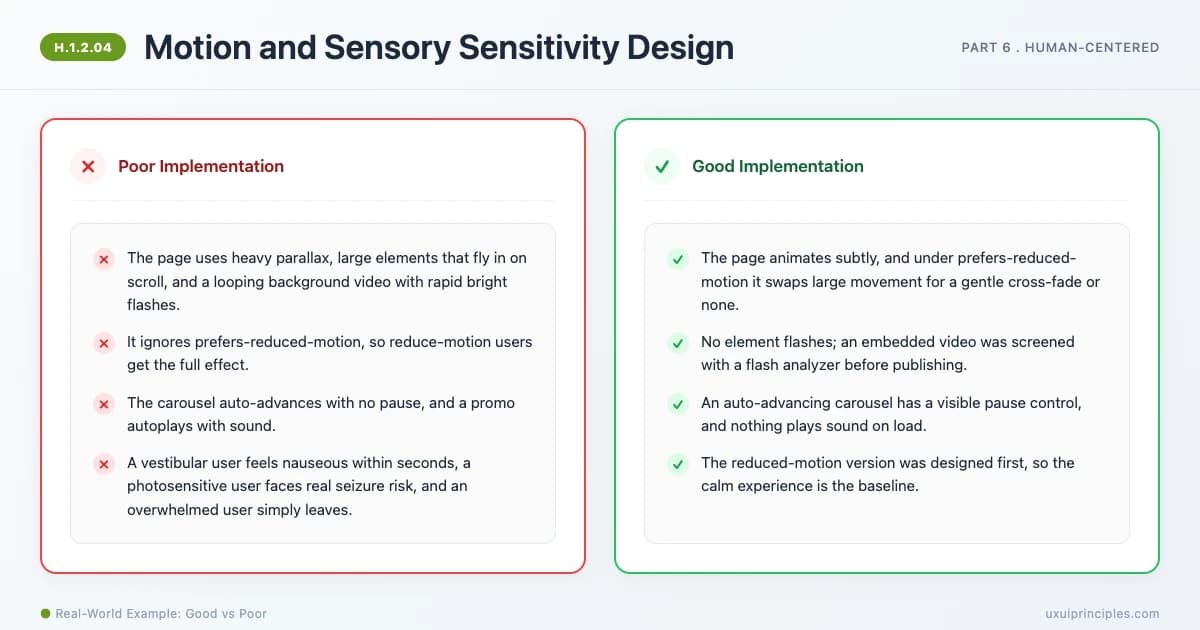
Motion and Sensory Sensitivity Design protects users with vestibular, photosensitive, and sensory-processing needs: respect prefers-reduced-motion (over a third of adults experience vestibular dysfunction by 40), never flash more than three times per second (WCAG 2.3.1, Level A, a safety rule against seizures), give pause/stop/hide control for autoplaying motion (2.2.2), and avoid sensory overload. This is the one accessibility area where a mistake can physically harm a user.
Explore principle
Premium
Inclusive Language and Readability
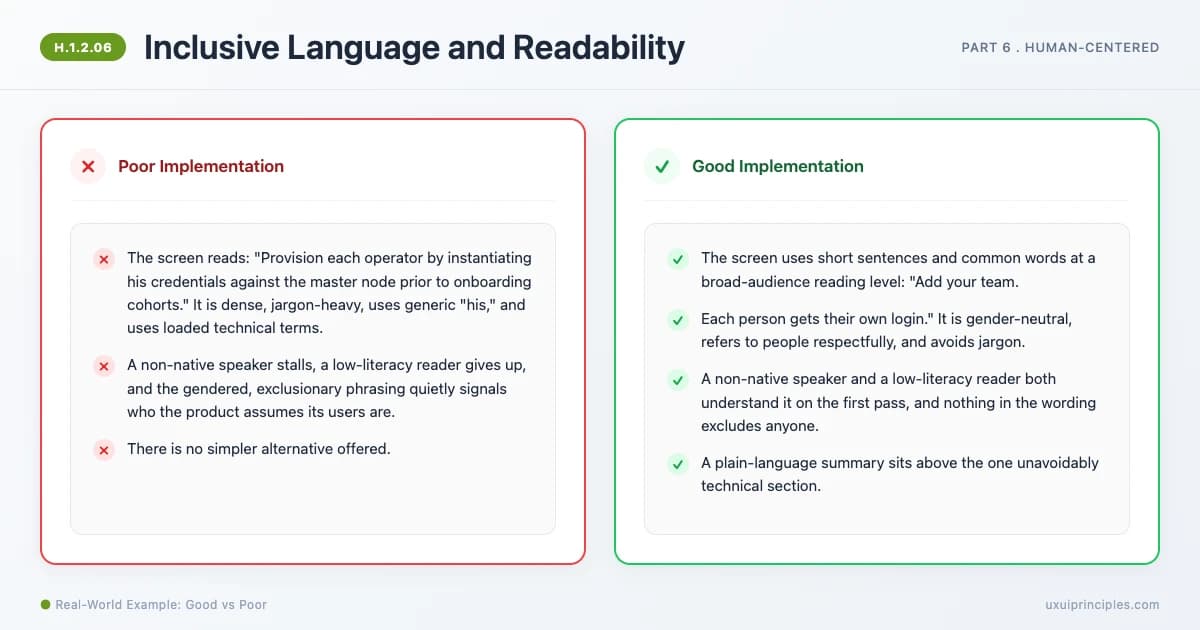
Inclusive Language and Readability covers two content strands: readability, writing plainly at an accessible reading level (ISO 24495-1:2023, Federal Plain Language Guidelines, WCAG 3.1.5 targets lower-secondary level), and inclusive terminology, bias-free, person-first, gender-neutral language (Microsoft Style Guide). Plain, inclusive content is understandable for non-native speakers, low-literacy, and cognitively diverse readers, and welcoming to everyone. The curb-cut effect in words.
Explore principle
Premium
Dark Pattern Recognition
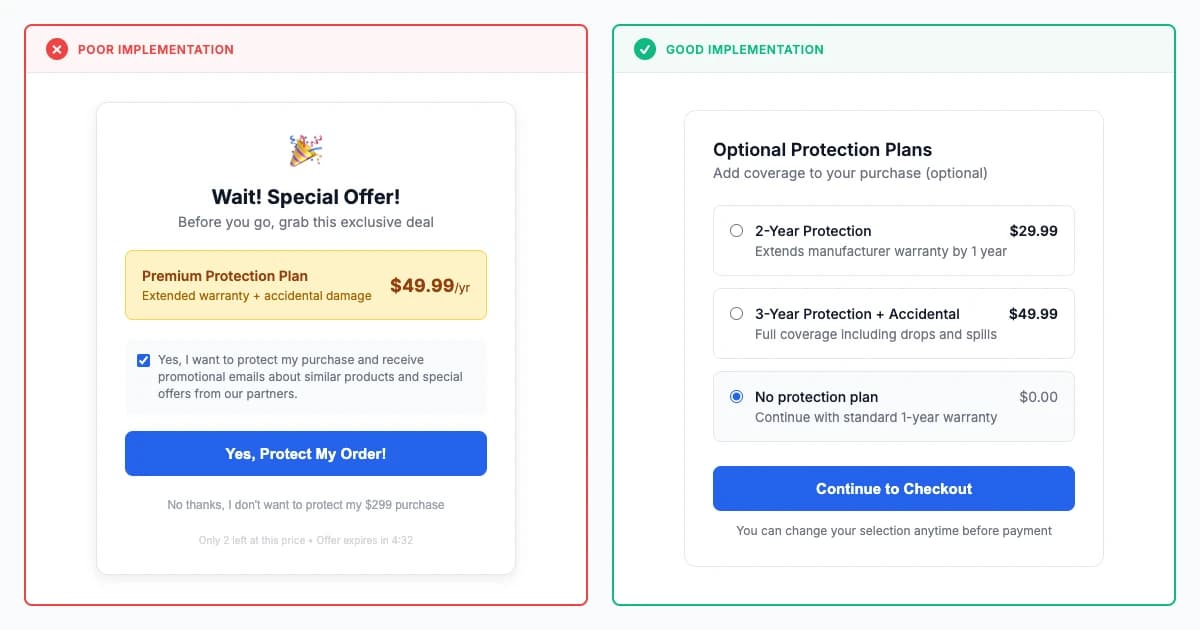
Dark pattern recognition (Mathur et al. 2019 crawl of 11K websites, Gray et al. 2018) identifies manipulative designs including sneaking, obstruction, and misdirection, with regulatory frameworks (EU DSA 2022, FTC enforcement) establishing legal consequences.
Explore principle
Premium
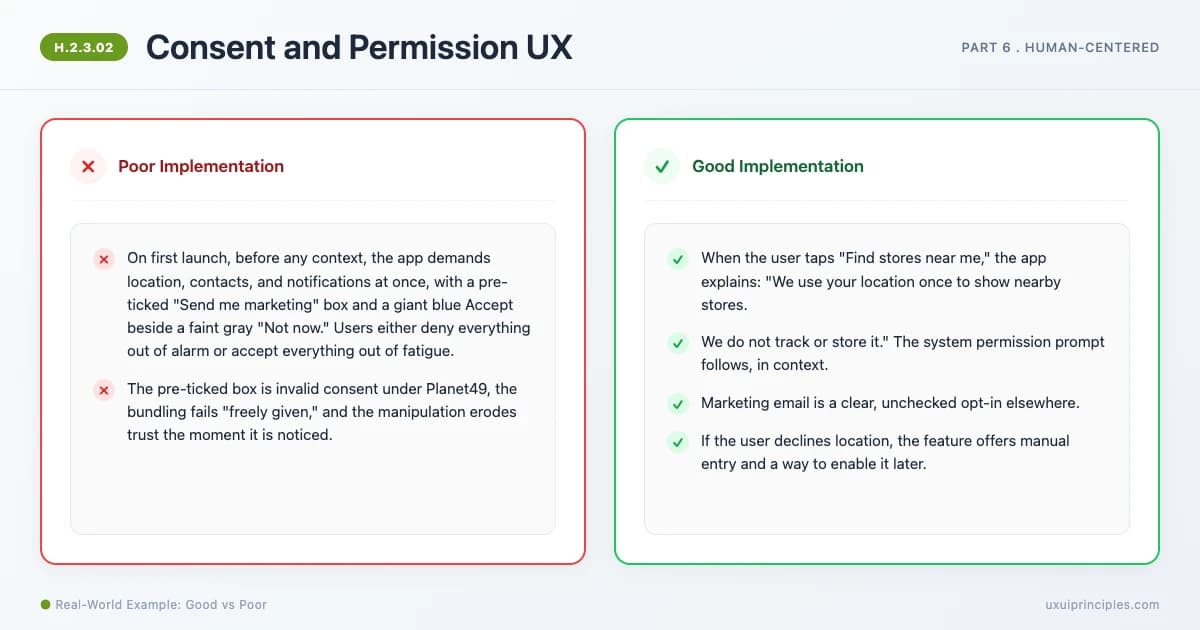
Consent and Permission UX
Consent and Permission UX makes agreement genuine. GDPR requires consent that is freely given, specific, informed, and unambiguous, with withdrawal as easy as granting (Article 7), and the CJEU Planet49 ruling makes pre-ticked boxes invalid. Good practice asks permissions just-in-time with a clear rationale (Nielsen Norman Group), gives a real choice where reject is as easy as accept, and avoids the dark patterns that drive consent fatigue.
Explore principle
Premium
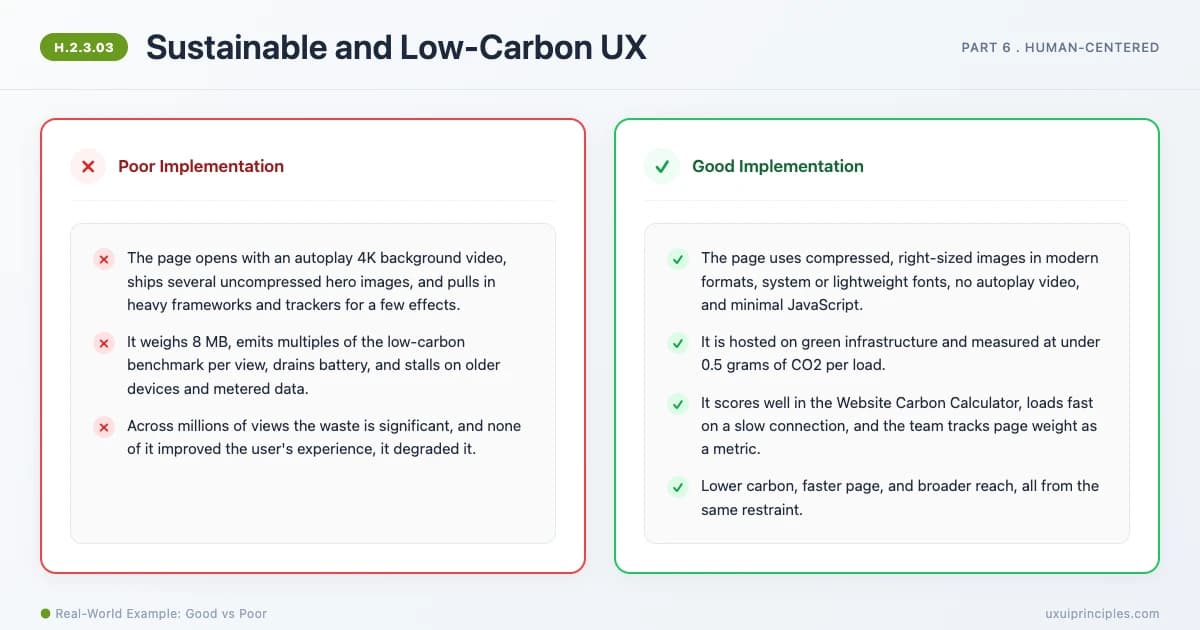
Sustainable and Low-Carbon UX
Sustainable and Low-Carbon UX treats environmental impact as a design and engineering concern. The digital industry produces an estimated 2 to 5 percent of global emissions, more than aviation, and every byte and computation has a cost. The moves mirror minimization: lighter pages, efficient assets and code, less data transfer and compute, and carbon-aware choices. The W3C Web Sustainability Guidelines and the ISO-accredited Software Carbon Intensity metric make it measurable, and lighter is also faster and more accessible.
Explore principle
Premium
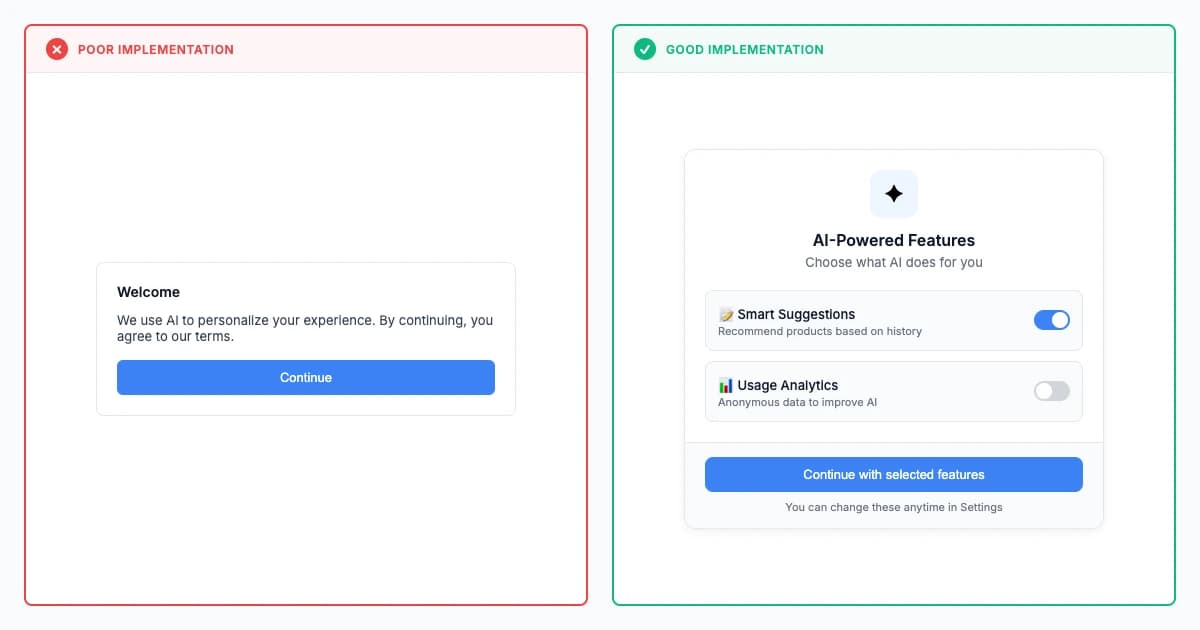
Ethical AI Disclosure Layering
Ethical AI disclosure should use progressive layers: simple initial statement, expandable details, and granular just-in-time consent. This increases comprehension 45% and satisfaction 52% vs static disclosures.
Fixes:Mystery NavSilent Errors
Explore principle