195+ Principles to Validate Any Design
195 principles organized by topic and difficulty. Each one includes citations, product examples, and AI prompts ready to paste into Cursor, V0, or Claude.
Good design is not based on instinct. It is based on how people actually process information: what they notice, what they ignore, and why they leave.
These 195 principles cover the patterns behind those decisions. Browse by part, filter by difficulty, or search for a specific problem. Each one links to the research and includes AI prompts you can paste straight into your tool of choice.
Showing 1–12 of 23 principles
Free
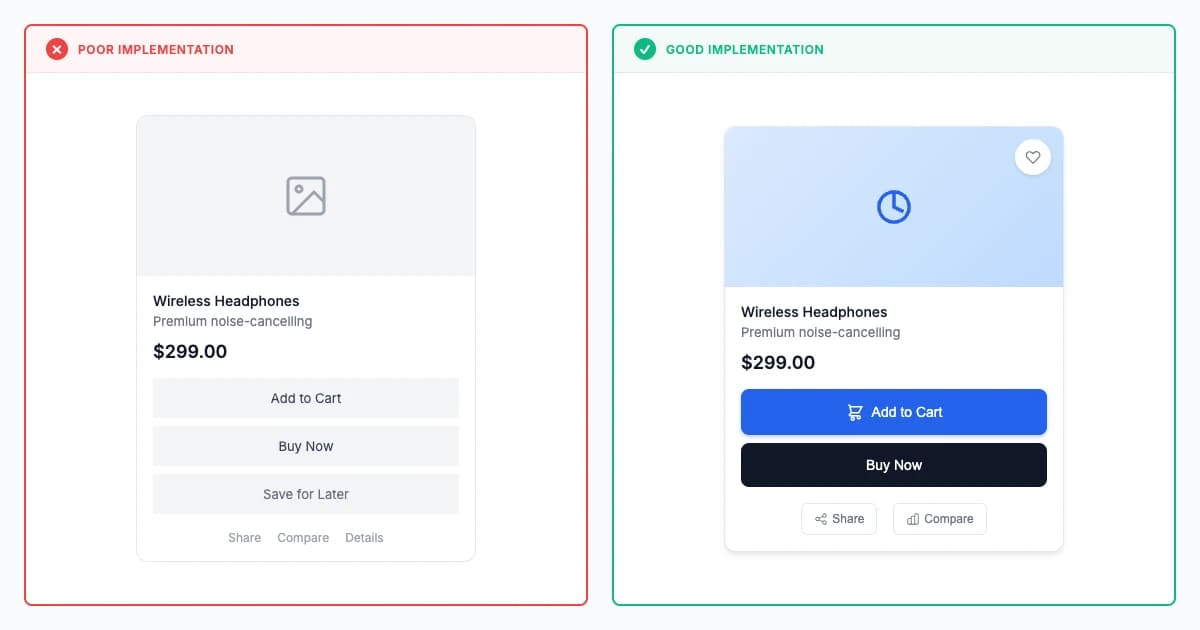
Affordances Law
Affordances make interactive possibilities self-evident through visual and behavioral cues, achieving 40-60% faster initial interaction and 50-70% less instruction by aligning interface appearance with function through buttons, sliders, and links (Norman 1988).
Fixes:Low Contrast
Explore principle

Free
Fitts's Law
Fitts's Law (Fitts 1954, MacKenzie 1992) demonstrates movement time follows MT = a + b × log₂(2D/W), with larger closer targets reducing interaction time 40-60% and error rates 50-70% through quantifiable motor performance optimization.
Fixes:Form GraveyardClick Cemetery
Explore principle
Premium
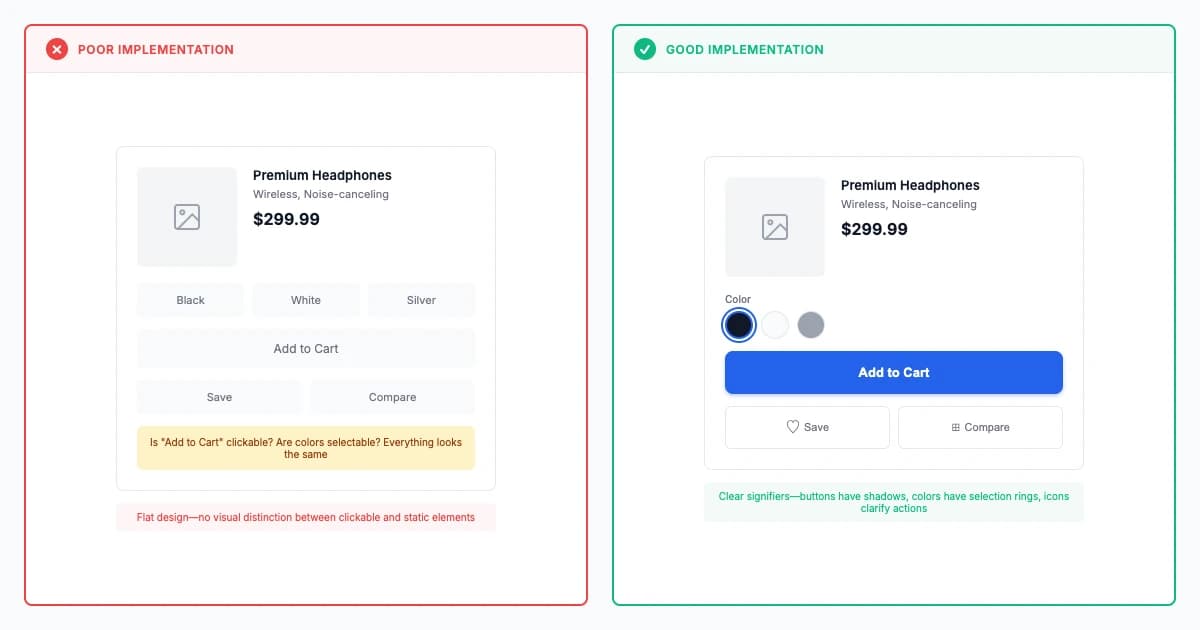
Signifier Clarity Law
Signifier clarity communicates affordances through perceptual cues like shadows, colors, and labels, reducing trial-and-error 60-80% and improving first-time success rates 40-60% by making interactive elements immediately recognizable and their functions obvious.
Fixes:Mystery Nav
Explore principle
Get Full Access
195 research-backed principles
$59/year
- All principles with citations
- AI prompts for every principle
- Real-world examples
14-day money-back guarantee
Premium
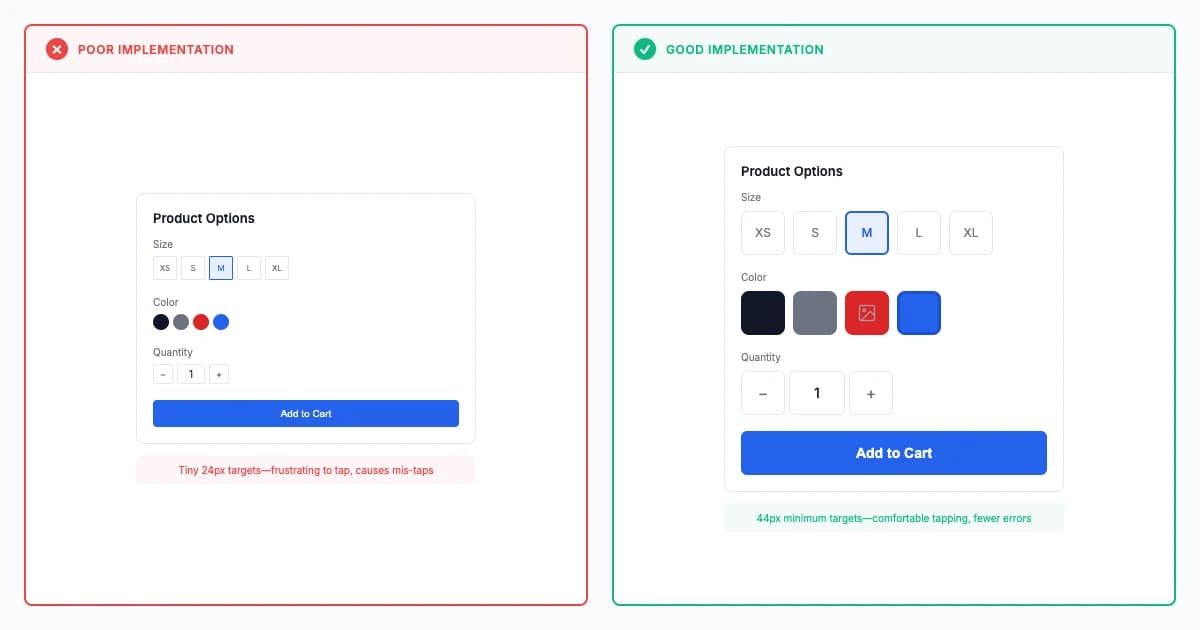
Touch Target Sizing Law
Touch target sizing requires 44-48px minimum (9-11mm physical) to reduce mis-tap errors 60-80% and improve selection speed 30-50%, accommodating finger size variability and ensuring accessibility for motor-impaired users (ISO 9241-411, WCAG 2.5.5).
Fixes:Form Graveyard
Explore principle
Premium
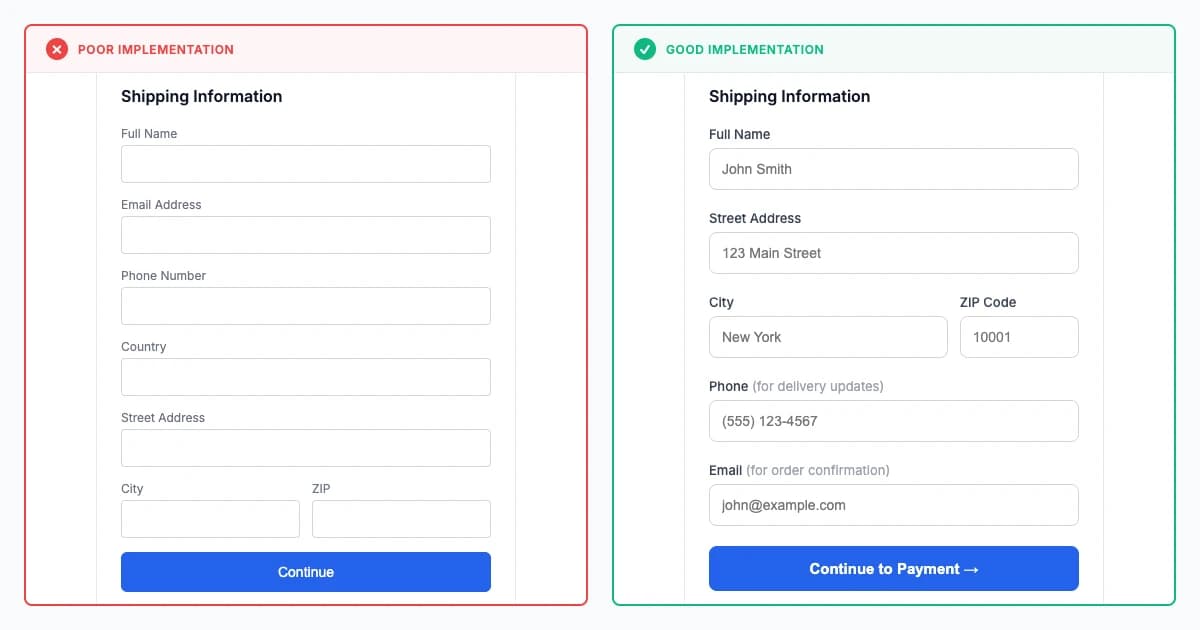
Form Flow Optimization Law
Form flow optimization achieves 30-60% higher completion rates by sequencing questions logically, chunking complexity into 5-7 field groups, and matching user mental models rather than database structures (Jarrett & Gaffney 2008).
Fixes:Form Graveyard
Explore principle
Premium
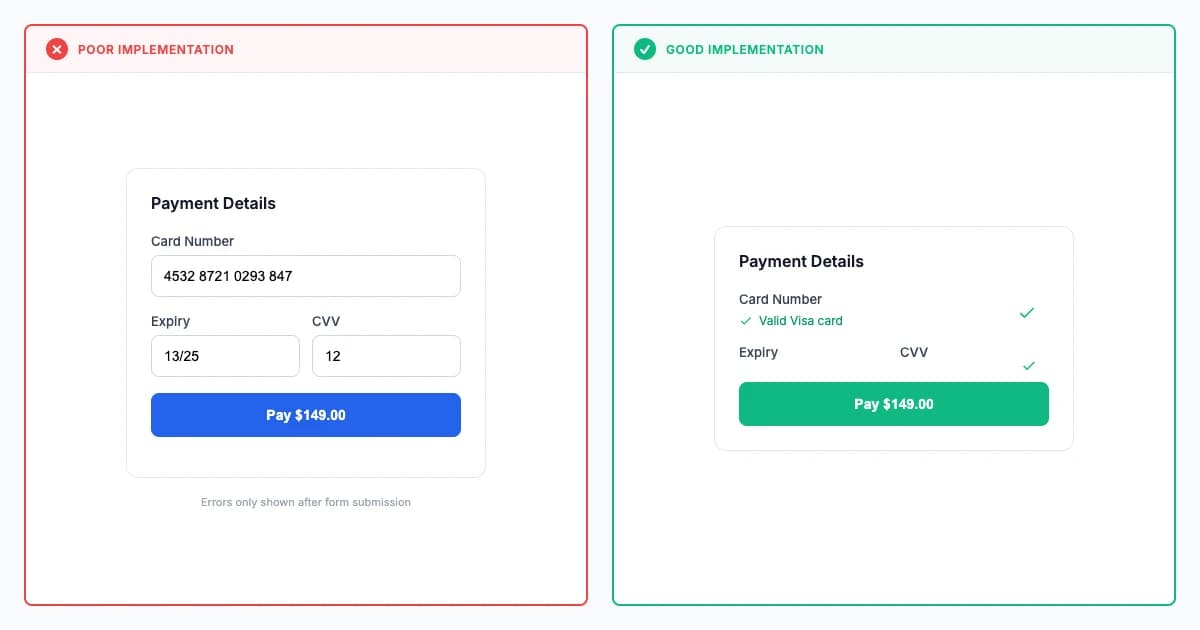
Input Validation Timing Law
Strategic validation timing reduces errors 60-80% by combining real-time format checking (300-500ms debounced), on-blur completeness validation, and submission business rules, balancing immediate feedback with flow preservation (Wroblewski 2008).
Fixes:Form Graveyard
Explore principle
Premium
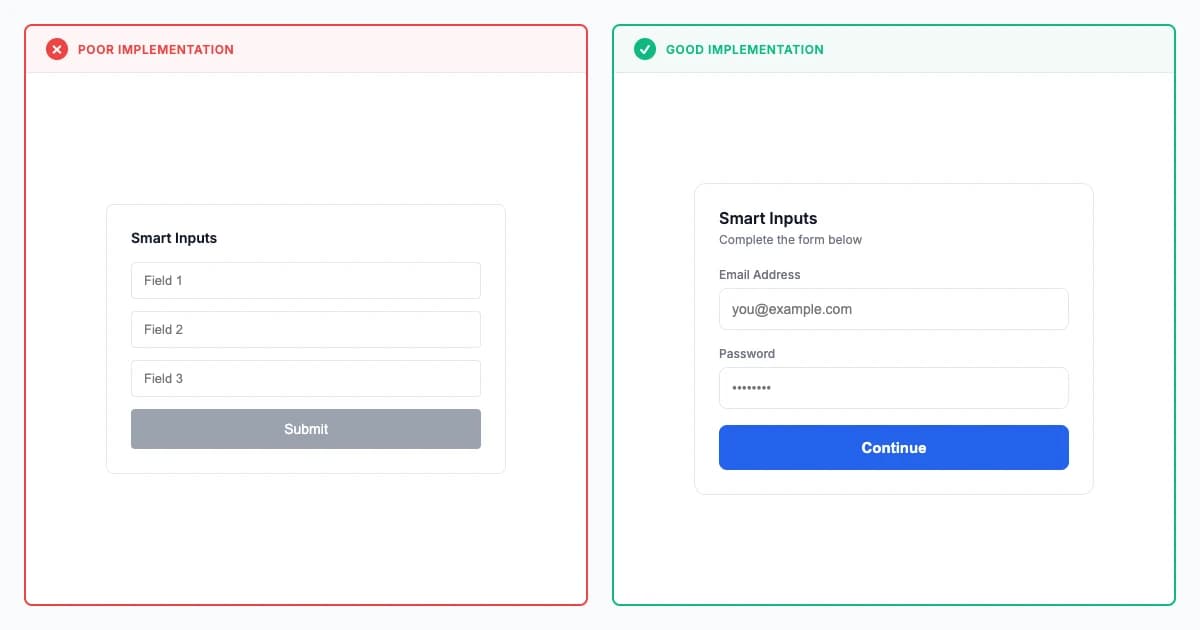
Error Prevention in Forms Law
Proactive error prevention through smart defaults, constraints, and format helpers reduces form errors 50-70% and abandonment 30-50%, prioritizing prevention over recovery through strategic design enabling success without requiring correction.
Explore principle
Premium
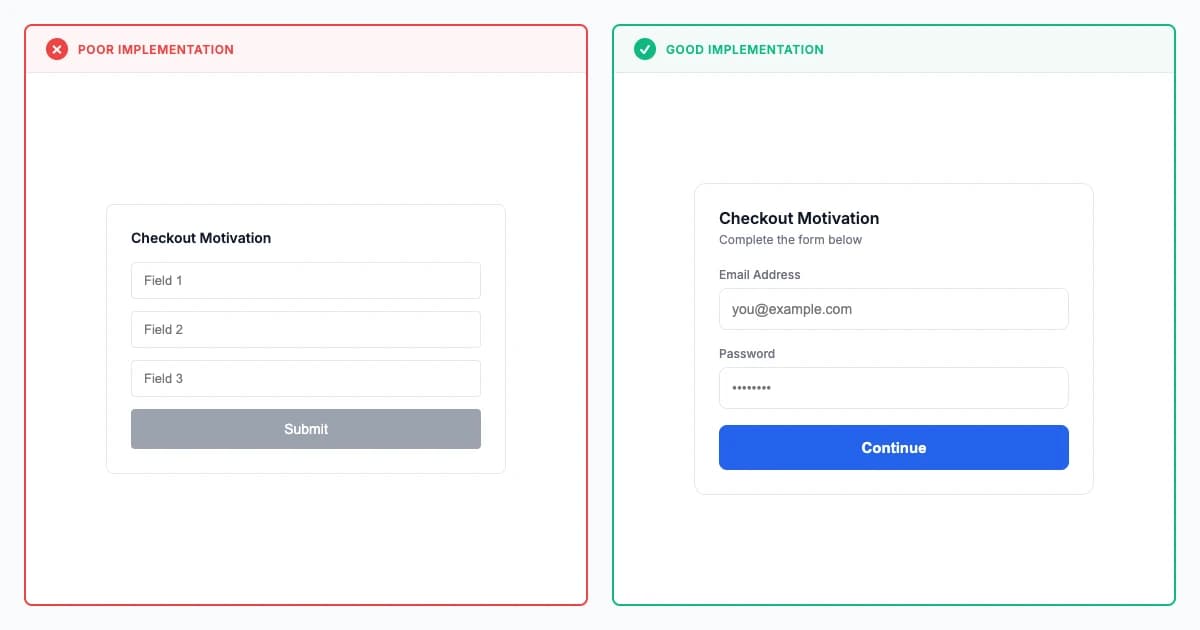
Form Completion Motivation Law
Form completion motivation leverages progress indicators, early momentum through easy fields, and goal gradient effect to increase completion rates 30-50%, reducing abandonment through psychological commitment and visible advancement toward completion.
Fixes:Form Graveyard
Explore principle
Premium
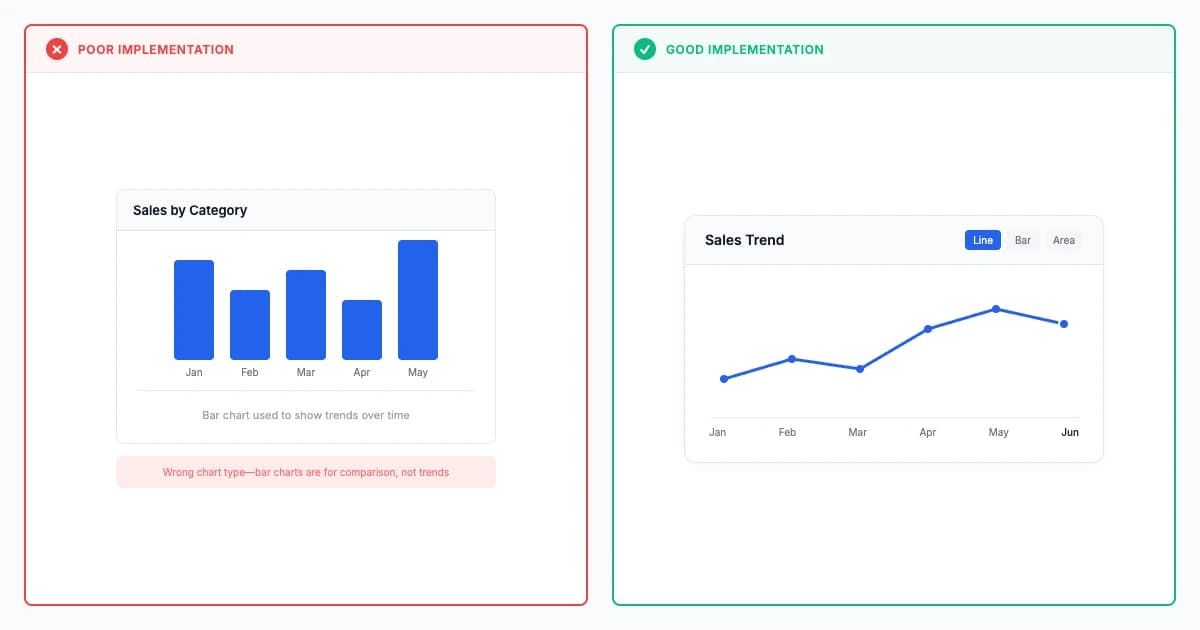
Chart Type Selection Law
Chart type selection improves data interpretation accuracy 40-60% and reduces comprehension time 30-50% by matching visualization forms to analytical tasks—bar charts for comparison, line charts for trends, scatter plots for correlation (Cleveland & McGill 1984).
Fixes:Low Contrast
Explore principle
Premium
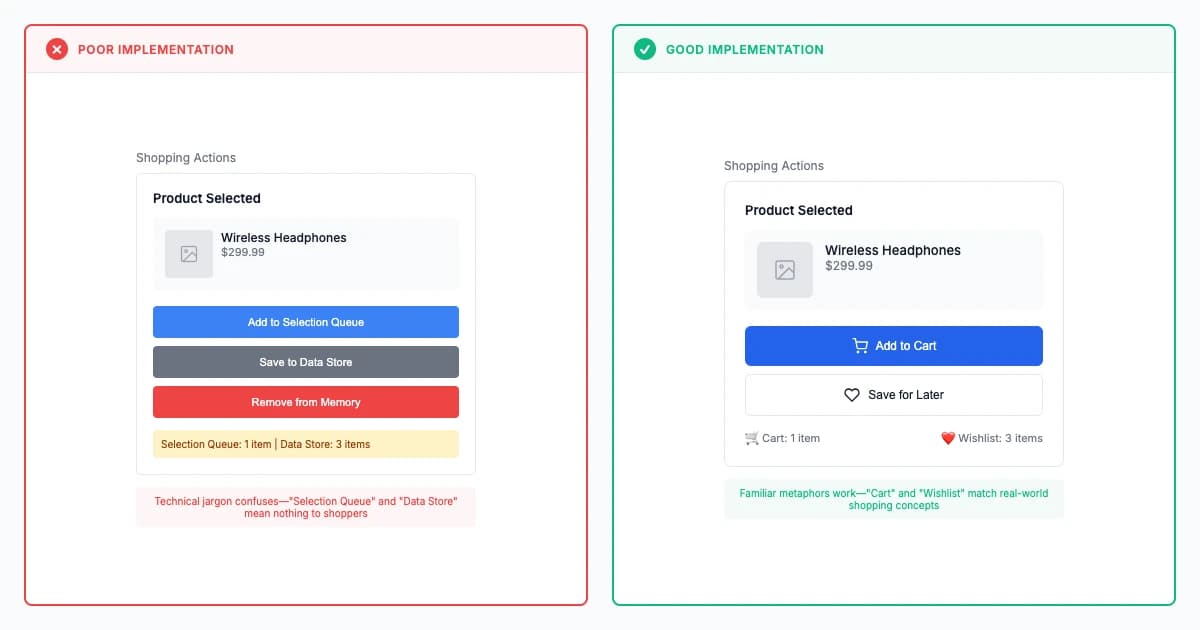
Interface Metaphor Law
Interface metaphors leverage familiar real-world concepts like folders, trash cans, and desktops to reduce learning time 30-50% and improve learnability, but can constrain innovation when digital capabilities exceed physical-world analogs and cultural understanding varies.
Fixes:Inconsistent
Explore principle
Premium
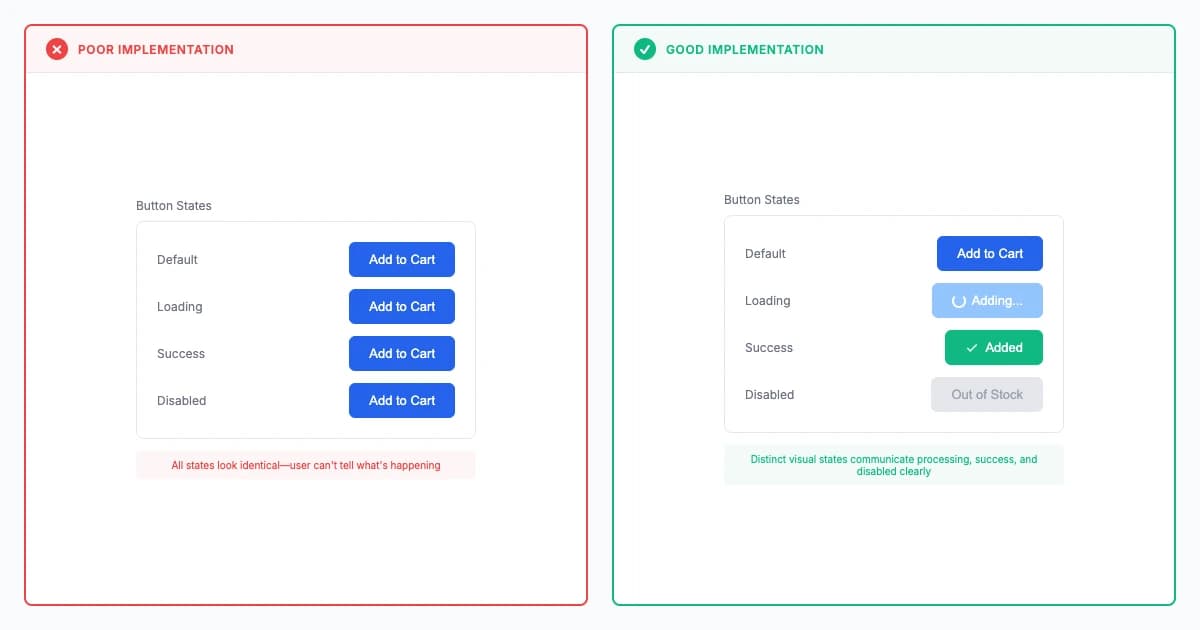
Interface State Communication Law
Interface state communication provides clear feedback about system status through loading indicators, success confirmations, and error states, reducing user anxiety 40-60% and preventing repeated actions by making system responsiveness and current state immediately visible.
Fixes:Silent ErrorsDead Ends
Explore principle
Premium
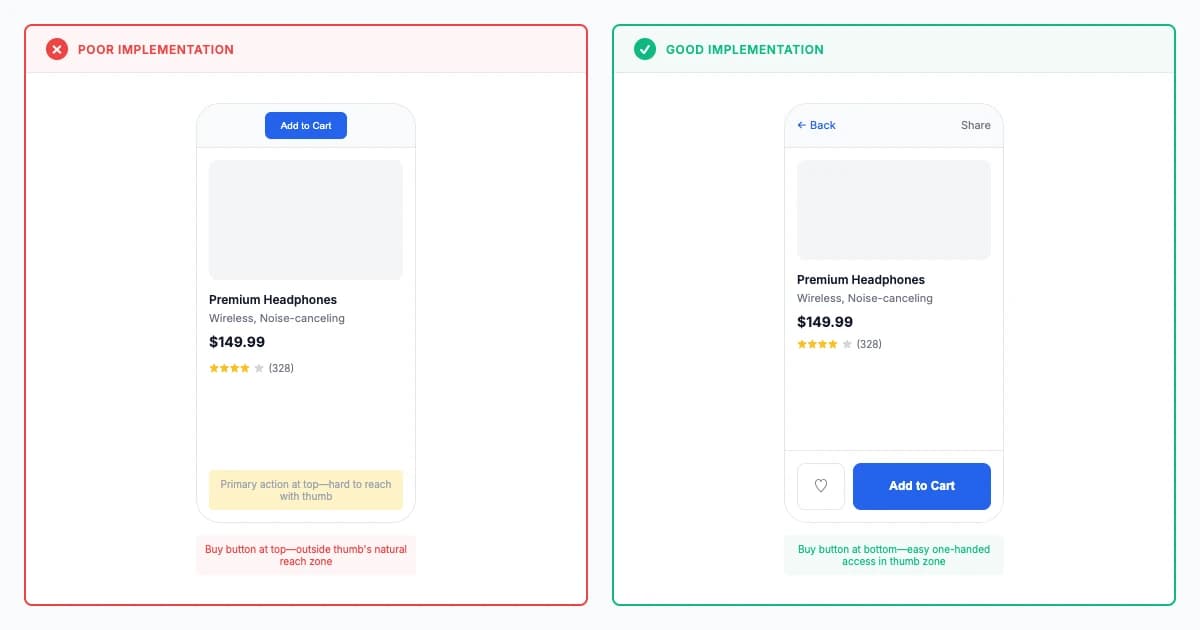
Thumb Zone Optimization Law
Thumb zone optimization places primary actions in the natural arc of thumb reach (bottom third of screen), achieving 30-50% faster interaction and reducing strain by 40-60% for one-handed mobile use (Hoober 2013 research on 1,333 users).
Fixes:Click Cemetery
Explore principle